My notes from a session hosted by Tony White, a consultant and training specialist from Ontario [1]. This 3.5-hour session was hosted by the Canadian Executive Services Organization (CESO) and was well run and informative.
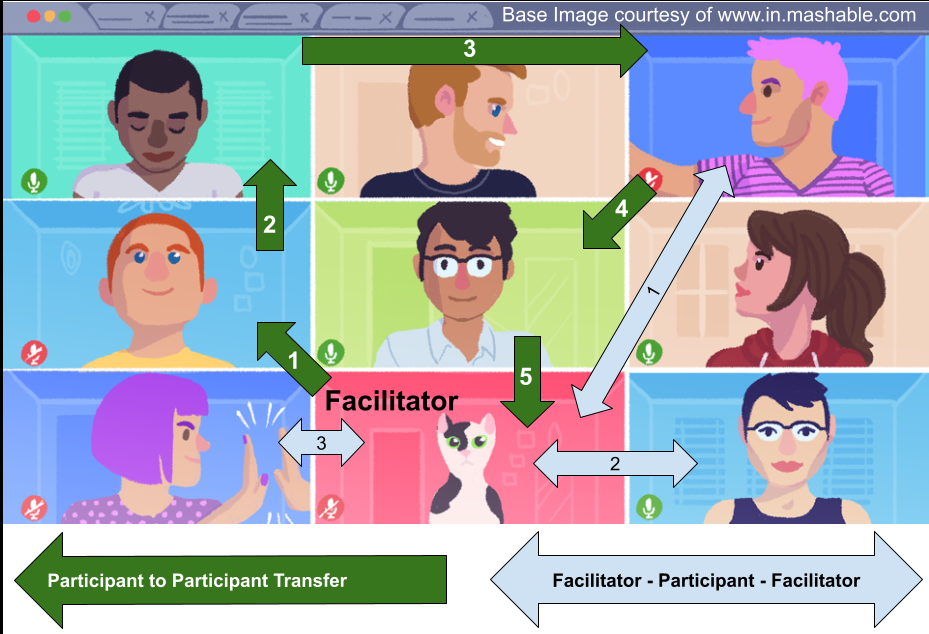

My notes from a session hosted by Tony White, a consultant and training specialist from Ontario [1]. This 3.5-hour session was hosted by the Canadian Executive Services Organization (CESO) and was well run and informative.
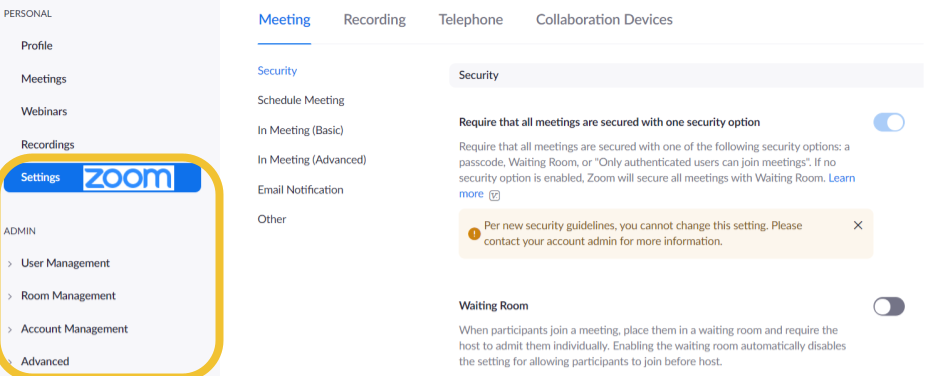
In a previous blog (Freely Zooming in on Non-Profits), an organization has acquired Zoom. The second blog in the series (Setting Up Zoom (TOO MANY OPTIONS!)) discussed which buttons to push to make the tool work optimally for non-profit. Now you are ready for your first big meeting, YEAH!

In a previous blog (Freely Zooming in on Non-Profits), an organization has decided to use a free version of Zoom or purchase a license, the good news. The better news is that Zoom is a highly configurable tool designed to be used in large organizations with a myriad of complex and varying business requirements.
Even as COVID-19 subsides, non-profit organizations will be more inclined to use virtual technologies to conduct their programming and business.

 Organizational Biology